- Out-of-Stock
Out-of-Stock

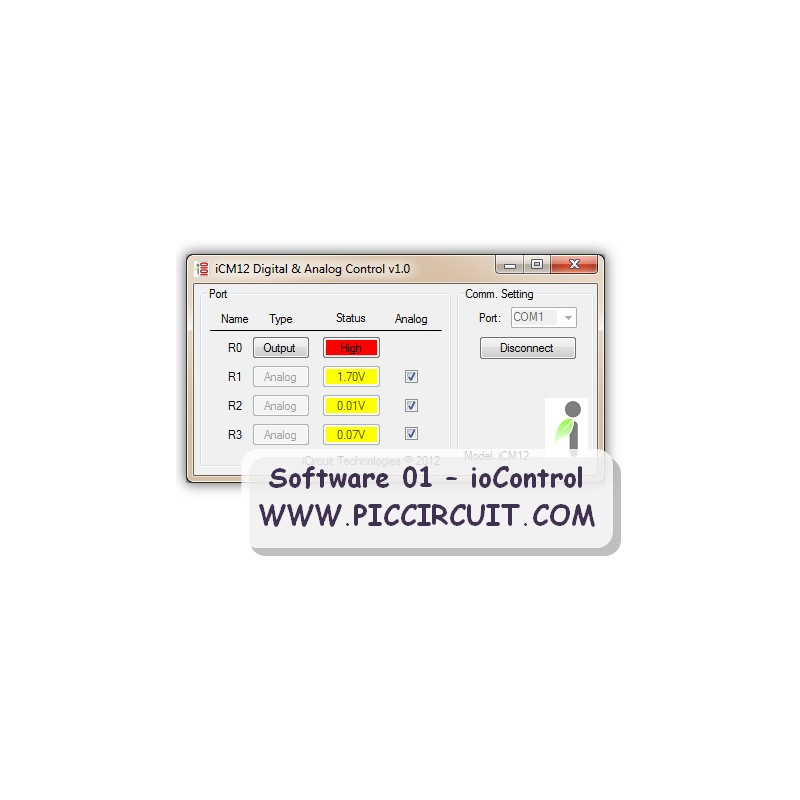
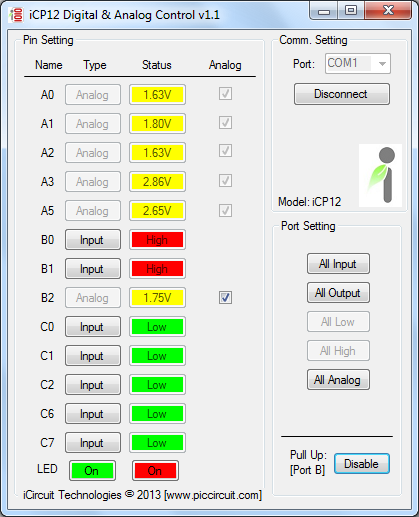
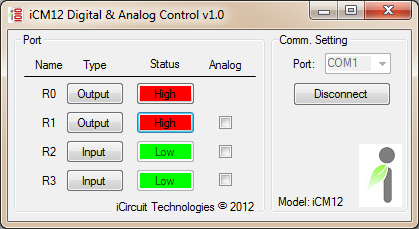
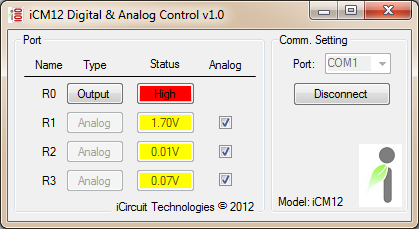
ioControl is built with a multifunctional port that can be applied to many types of applications. With these IO pins, user can easily to control output signals and monitor the input or analog signal with direct connection to COM port.
Supported Operating System:
Supported Models:
Command Line [with iCP12_DAQv1.2_Firmware.hex]:
| Function | Data | Ack/Reply |
| A (Analog) | (A| Port: 1b | Pin: 1b | Type: 1b) | |
| r | Read ADC value: (AA0r) | <AA0r:001024> |
| | | |
| PP (Port) | (PP| Port: 1b | Type: 1b : Value: 8b) | |
| w | PPnw: Write Port A (PPAw:aaaixoxx), n: ABC, Note: x:ignored, a:analog, i:input, o:output, 0:low, 1:high (PPAw:aaaixoxx): A0-A2:analog, A3:in, A5:out |
# |
| r | PPnr: Read Port A (PPAr), n: ABC Note: <PPAr:10001000>: A0 - A7 |
<PPAr:10001000> |
| PU (Pull up) | (PU| Port: 1b | Type: 1b : Value: 8b) | |
| e | PUxe: Enable Port B pull up (PUBe), x: B | # |
| d | PUxd: Disable Port B pull up (PUBd), x: B | # |
| w | PUxw: Write Port B pull up pin (PUBw:11111111) | # |
| R (Pin Function) | (R| Port: 1b | Pin: 1b | Type: 1b) | |
| 0 | Set RA0 ouput Low: (RA00) | # |
| 1 | Set RA0 ouput High: (RA01) | # |
| i | Set RA0 as Input: (RA0i) | # |
| o | Set RA0 as Output: (RA0o) | # |
| a | set RA0 as Analog: (RA0a) | # |
| Z (Model) | (Z| Type: 3b) | |
| MD | Check Model: (ZMDr) | <ZMDr:iCM12v01> |
Photos:
Download:
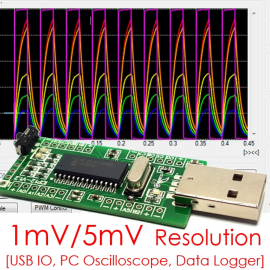
usbStick is a mini size 28 Pin USB PIC IO Board with 13x input, output, analog, pwm pins. Great tool for signals monitoring (as oscilloscope), data acquisition and circuit troubleshooting at 1mSec/Samples period.
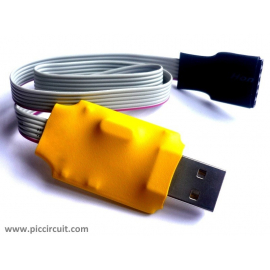
usbLink is a USB to Serial Converter which can support UART port (TX/RX), 4x digital IO or 3x 10-bit ADC input.
ioControl can be used to control Digital input/output pins and read Analog input signals.